DIY Flight Sims
Do It Yourself
Flight Simulator
What you get:
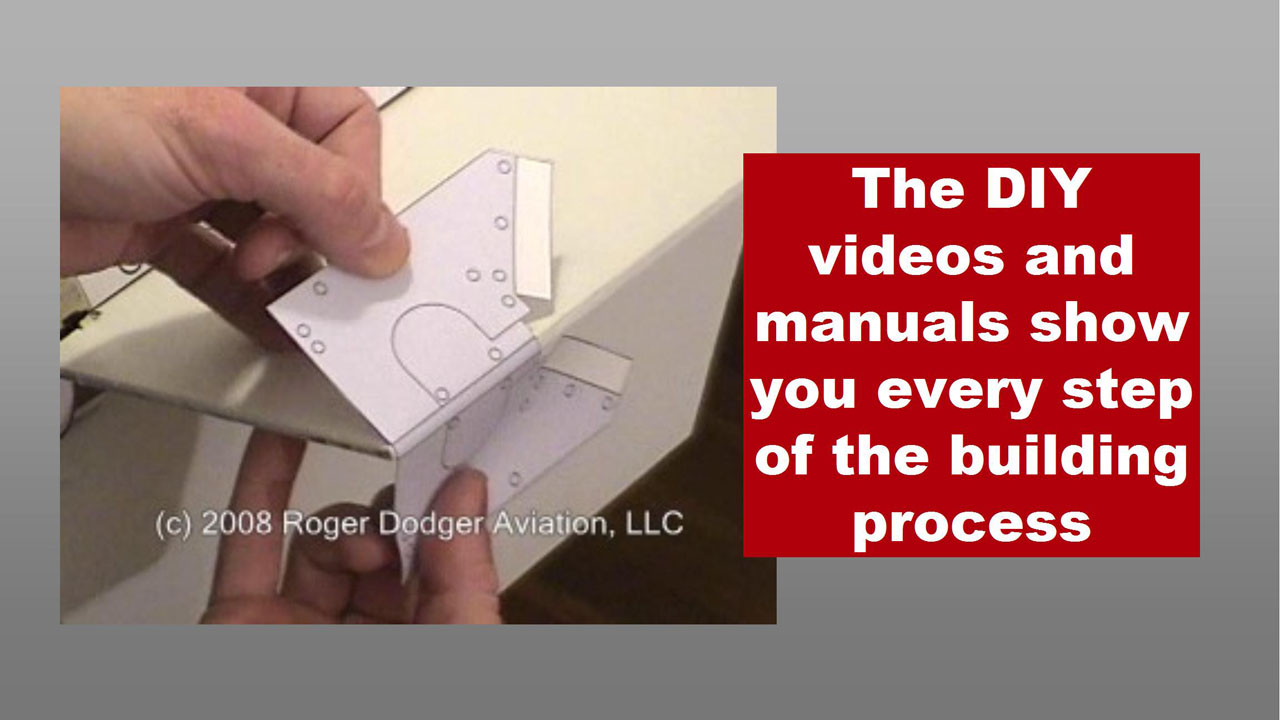
* 4 PART VIDEO - over 40 minutes of footage ! Higher definition video quality Video 1 - Measuring and cutting out the control surfaces Video 2 - Measuring and cutting slots in the missile fuselage Video 3 - Electrical system (wiring the lamp) - Electrical system (wiring the floor switch) Video 4 - Assembling the nose cone - Applying decals
* 38 PAGE full-color illustrated instruction manual ! Safety Materials (English Measurements) Materials (Metric Measurement) Tools Required Measuring and cutting out the control surfaces Control surfaces diagram Cutting slots in the missile fuselage Electrical system (wiring the lamp) Assembling the nose cone Alternate nose cone construction Applying decals Decal Diagram Pictures of finished lamp
* AIM-9 Missile decals! Rollerons Rivet Lines Stenciling INERT markings Arming Key CG Placard and more!
* Construction templates Slot templates Lamp shade template
All this for only $ 21.99 US dollars + tax
|


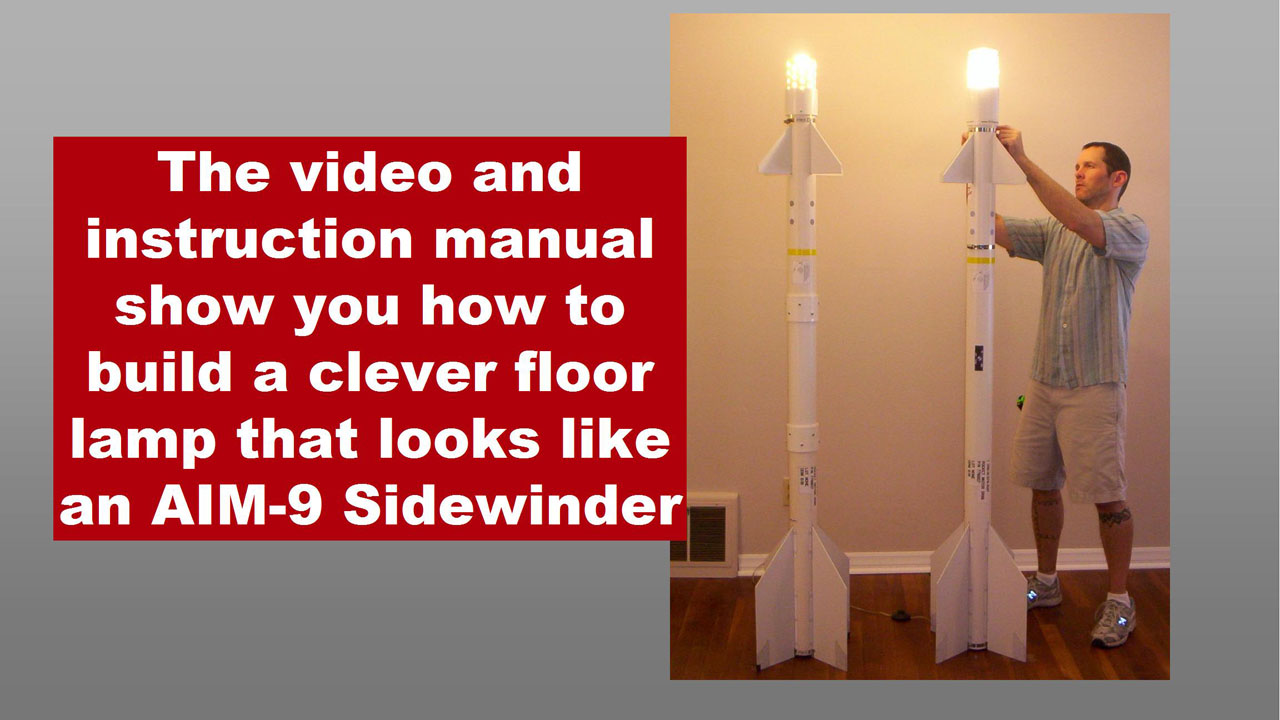
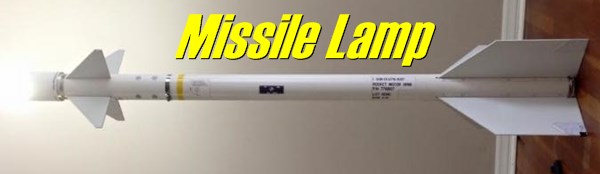
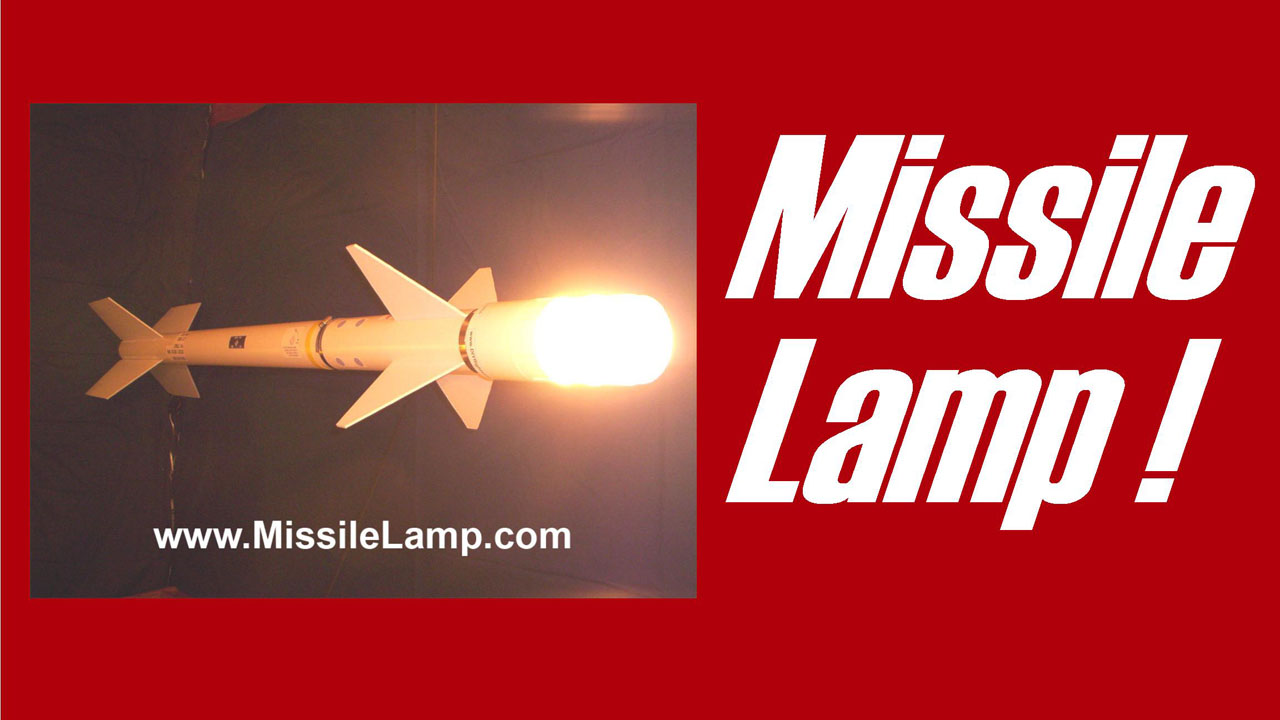
Missile Lamp!
A floor lamp that looks like an
AIM-9 Sidewinder heat-seeking,
air-to-air missile!
Great gift for pilots, aviation
enthusiasts, flight simmers and
craftsmen.
How to order:
Download the videos, documents and decals in a convenient
password-protected zip file. Your password and download link will be
emailed to you, so use an accurate email address (we will not sell
your contact information).
The videos are in Windows wmv format.
The instruction manuals and decals sheets are in Adobe Acrobat pdf
format.
Pay securely online using your credit card or PayPal account or
Google Checkout.
You may also mail in an order with a bank check or money order.
Download a Mail-in Order form (Adobe pdf.)
Due to local laws, all orders are charged 7.65% sales tax.
To the right, there are two buttons that say "Add to Cart" and "View
Cart." If you are reading this on a translated page, the buttons may
not work. Please return to the English language page to order.
Enjoy years of satisfaction with this clever lamp
Great for living room, hangar or pilot lounge
The status symbol of any avid aviation enthusiast
|
> > HIGH QUALITY VIDEO < < > > AWESOME JUMBO 152 MB DOWNLOAD < <
|
"Where do I get that great lamp shade?"
The clear plastic light bulb protector came from Home Depot. This part is significant because it is made from PLASTIC, not glass. It must be made from plastic because we drill ventilation holes in the top of it.
If you can't find this specific part, we show an alternate method for constructing a lamp shade.
|
Build in a single weekend for less than $50 or $60 materials
|
Copyright (c) 2004-2008 Roger Dodger Aviation, LLC All rights reserved Items sold by Roger Dodger Aviation, LLC are governed and protected by the copyright laws of the United States of America and international copyrights
|
Buyer protection:
If you are not satisfied with your DIY video and instruction manual,
call me within 30 days to receive a refund. I would like to know why
you are dissatisfied with the product so I can improve it and create
better products in the future.
Matt Thomas
913-515-8123


History of Flight Simulators at Home
from Wikipedia.com
Crude flight simulators were among the first types of programs to be developed for early personal computers. Bruce Artwick's subLOGIC simulators were well-known
for the functionality they managed to get onto 8-bit machines. Key computer game technologies such as 3D graphics, online play, and modding were first showcased in
combat flight simulators such as Red Baron II and European Air War.
A popular type of flight simulator are combat flight simulators, which simulate combat air operations from the pilot and crew's point of view. Combat flight simulation
titles are more numerous than civilian flight simulators due to variety of subject matter available and market demand.
In the early 2000s, even home entertainment flight simulators had become so realistic that after the events of September 11, 2001, some journalists and experts
speculated that the hijackers might have gained enough knowledge to steer a passenger airliner from packages such as Microsoft Flight Simulator. Microsoft, while
rebutting such criticisms, delayed the release of the 2002 version of its hallmark simulator to delete the World Trade Center from its New York scenery and even
supplied a patch to delete the towers retroactively from earlier versions of the sim.
The advent of flight simulators as home video game entertainment has prompted many users to become "airplane designers" for these systems. As such, they may
create both military or commercial airline airplanes, and they may even use names of real life airlines, as long as they don't make profits out of their designs. Many other
home flight simulator users create fictional airlines, or virtual versions of real-world airlines, so called virtual airlines. These modifications to a simulation generally add
to the simulation's realism and often grant a significantly expanded playing experience, with new situations and content. In some cases, a simulation is taken much
further in regards to its features than was envisioned or intended by its original developers. Falcon 4.0 is an example of such modification; "modders" have created
whole new warzones, along with the ability to fly hundreds of different aircraft, as opposed to the single original flyable airframe.
One way in which users of flight simulation software engage is through the internet. Virtual pilots and virtual air traffic controllers take part in an online flying experience
which attempts to simulate real-world aviation to a high degree. There are several networks where this sort of play is possible, the most popular ones being VATSIM
and IVAO. VATSIM is generally regarded to have better coverage of the virtual North America and Great Britain, while IVAO's pilots and controllers generally fly and control
the virtual Europe, Africa and South America. IVAO's ATC certification process is not as strict as VATSIM's, which allows for a greater number of controllers to be
available, but guarantees their proficiency to a lesser degree than VATSIM. Both networks receive anywhere from 300 to 900 ATC and pilot connections, depending on
the time of day.
Popular simulators for home computers include:
* Civilian:
o Flight Unlimited series of PC simulators
o FlightGear, a GPL flight simulator with full world scenery and many aircraft models
o Fly!
o Microsoft Flight Simulator series, one of the most widely-used civilian flight simulators
o PRE-Flight Flight Simulator Radio Controlled Flight Simulator, uses real RC control device
o X-Plane, a multi-platform flight simulator
* Combat:
o Aces High, combat flight simulator and massively multiplayer online game for the PC
o Fighter Ace, combat flight simulator and massively multiplayer online game for the PC
o Falcon 4.0 (and the newer Falcon 4.0: Allied Force), an extremely detailed 'study sim' of the F-16 Fighting Falcon.
o Jane's F/A-18, one of the final flight simulators by Electronic Arts under the Jane's Combat Simulations brand
o Su-27 Flanker contained a realistic and detailed flight model in a less competitive graphics shell on PC.
o IL-2 Sturmovik, one of the leading World War II flight simulators
o Lock On: Modern Air Combat, Jet Combat simulator.
o Combat Flight Simulator WWII Europe Series, Microsoft's first in its series (of 3) of WWII Aircombat
o B-17 Flying Fortress, B-17 Bomber simulator in WWII
o European Air War, a highly rated simulation in the E.T.O. in WWII
o Gunship, a simulator focusing on the AH-64 Apache attack helicopter
o Battle of Britain II: Wings of Victory,a complex simulation of the Battle of Britain
o YS Flight Simulation System 2000, a free flight simulator containing both civilian and combat elements
o GL-117, an open source action flight simulator for Windows, Linux and Mac.
Much rarer but still notable are flight simulators available for various game consoles. The most notable of these were Pilotwings, made available for the Super
Nintendo, the sequel Pilotwings 64 for the Nintendo 64 and the Ace Combat series on Playstation 1&2. The very rare Sky Odyssey is yet another example of console
flight simulators. Due to the restrictive nature of a game consoles ability to properly simulate environments in general and the processing limitations of these systems
in particular, game console-based flight simulators tend to be simplistic and have a more "arcade"-like feel to them. While generally not as complex as PC based sims,
console flight simulators can still be enjoyable to play, though their 'simulation' status is disputed by many in the flight simulation community.
Homebuilt Cockpits (Simpits)
Main article: Simulation cockpit
Often referred to as Simpits, home cockpit building is a common hobby among simulator pilots. Simpits range in complexity from a single computer, with some effort to
create a permanent area for simulation, through to complete cockpit reconstruction projects utilizing multiple systems. The growth in home cockpit complexity and
realism has been further fueled by the opening up of the simulation software packages with published SDK's (Software Development Kits) now common.
The push for higher realism in desktop simulation, often fueled by real pilots looking to practice cheaply at home, has led to a wide array of suppliers growing up to
satisfy the demand. Hardware is available from a variety of commercial sources ranging from yokes, throttles and pedals, through to radios, lights and complete
instruments. This home use hardware is rarely certified for flight training, so the hours spent practicing in the simpit will not count towards a pilot's hours. However it is
widely utilized as an unofficial training aid, allowing realistic procedures practice, as well as the opportunity to complete visual or IMC approaches prior to a real world
flight. This can help make a pilot's real-world flight time safer and more productive.[2] Professional opinion is divided about how effective this home simulation can be
against real world flight, and this has been a subject of debate in popular flying magazines such as 'Pilot' through 2007.
For those wishing more than a desktop simulator, replica panels are commercially available mimicking those found in a modern airliners such as a Boeing or Airbus.
These panels will either fit into a real cockpit section, which some large scale home simulators are built into, or will be mounted in a home constructed cockpit frame,
normally made from wood. With most modern airliners now using Glass Cockpit type displays it is relatively simple to replicate the displays in software, outputting them
via multi head graphics cards or networked PCs to cheaply available LCD monitors mounted behind the panel. To the casual observer it can be hard to tell a home built
static simulator and a commercial one apart.
Where commercial panels or controls do not exist, simulator builders will often create their own out of wood or similar easily worked materials. Another common route
for sourcing the specific hardware needed in a simulator, and one used by the commercial sector as well, is to obtain a real component from a scrapyard and convert it
for PC input. Interface hardware for these home-made controls is directly available from commercial suppliers, or can be obtained by dismantling cheap joysticks or
similar components and rewiring them. Some home builds will even incorporate motion platforms, although unlike commercial simulators these are normally more
limited in motion, and often rely on electrical motors as opposed to hydraulics.
Beyond the hardware of home cockpits, most flight simulator software can simulate modern aircraft systems to a very high standard in addition to the basic flight
dynamics. Providing accurate recreations of the FMC (Flight Management Computer), Autopilot, and engine management systems among others. With additional
hardware and add in software this is extended even further. For example into a fully functional overhead / engineering panel requiring real world check lists to be
followed for engine startup and flight with a full flight deck crew.